A Plain-English Guide to MTD for VAT
“Would 100% recommend, is always polite, professional and helpful! He is always available to answer any questions I have and his knowledge has been a saving grace many times!”
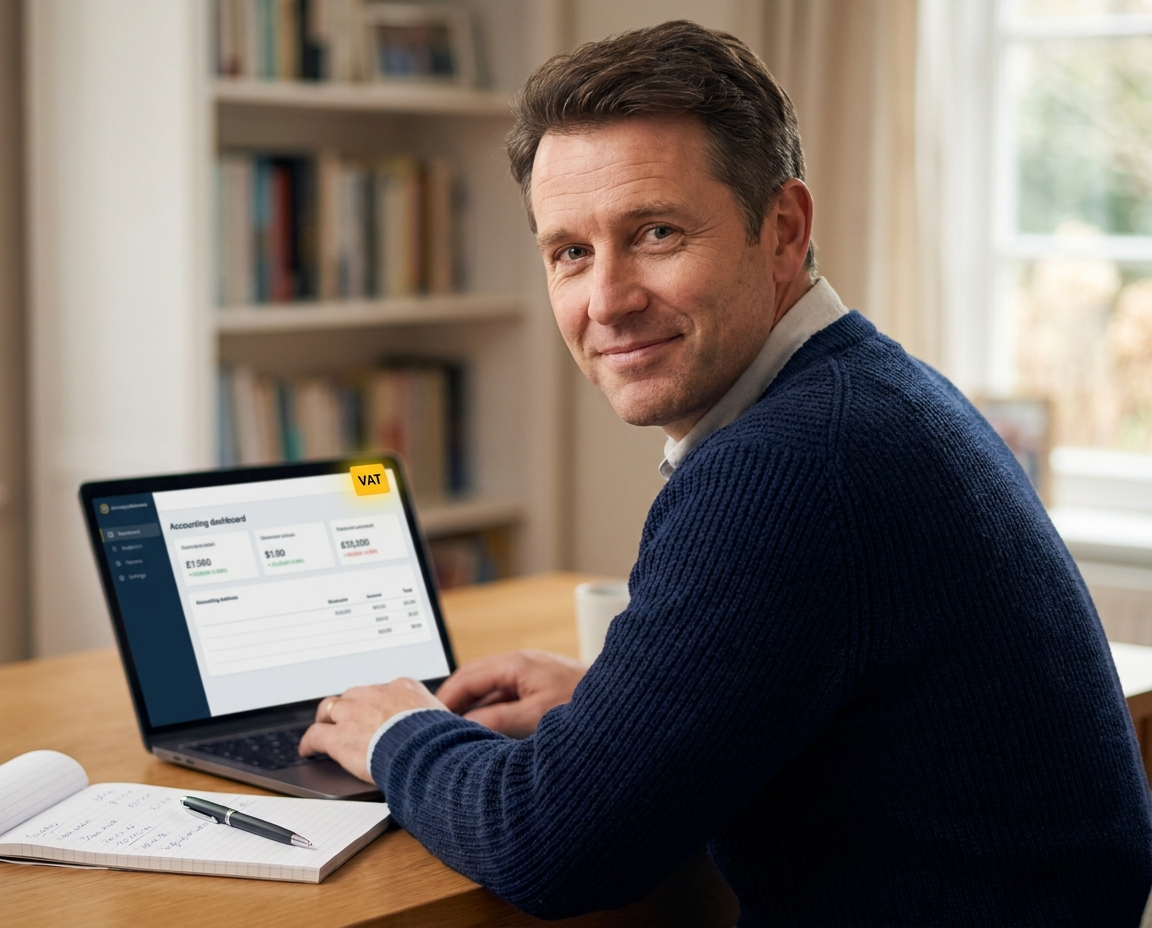
If you are VAT-registered and still relying on spreadsheets or paper records, HMRC already expects you to be filing digitally under Making Tax Digital for VAT. This guide covers exactly who it applies to, what you need to do, and how to get compliant without wasting a day of your time.
Why MTD for VAT matters for your business
Making Tax Digital for VAT requires every VAT-registered business in the UK to keep digital records and submit VAT returns using HMRC-compatible software. It has been mandatory for businesses above the VAT threshold since April 2019, and was extended to all VAT-registered businesses, regardless of turnover, from April 2022. If you are registered for VAT today, MTD rules apply to you.
The practical requirement is this: you cannot bridge figures from a spreadsheet into HMRC’s portal manually anymore. Your accounting software must connect directly to HMRC’s systems and submit returns via an approved digital link. Most businesses already use software that does this, but a significant number are still not fully compliant without realising it.
HMRC published its final evaluation of Making Tax Digital for VAT in February 2025, confirming the scheme is permanent and will not be withdrawn. There is no exemption route for the majority of VAT-registered businesses. If you are currently submitting VAT returns manually through HMRC’s old portal, that route has been closed for most businesses since 2022.
Where most people go wrong
The most common assumption I hear from business owners is that because they have been filing VAT returns without a penalty letter arriving, they must be compliant. That is not always the case. HMRC’s systems do not always flag non-compliance immediately, which gives people false confidence.
Using bridging software but treating it as a permanent solution
Bridging software was permitted as a short-term workaround during the early rollout of MTD for VAT. Some businesses adopted it and have not moved on. While it is technically compliant in certain circumstances, it adds unnecessary steps and creates more room for manual error. Purpose-built cloud software such as QuickBooks, FreeAgent, Xero or Sage handles the full digital chain automatically.
Not registering your business for the MTD for VAT service on HMRC’s portal
Having compatible software is only part of the requirement. You also need to have signed up for the MTD for VAT service through your HMRC online account and authorised your software to connect to HMRC on your behalf. Many businesses have the software but have not completed this step, meaning submissions are going through the old portal rather than the MTD-compliant channel.
“Most of the business owners I speak to about MTD for VAT are not doing anything dramatically wrong. They just have one step missing, usually the HMRC sign-up or the software authorisation. Fixing it takes one session, not a whole restructure of how they work.”
What to do, step by step
Getting MTD for VAT set up correctly takes most businesses two to three hours if they already have their records in reasonable order. If you are starting from scratch with cloud software, add another session to migrate or re-enter historical figures. Here is the practical sequence.
- Choose HMRC-compatible software. QuickBooks, FreeAgent, Xero and Sage are all approved for MTD for VAT submissions. If you are not already using one of these, select the one that fits your business size and how you prefer to work. Free options also exist for simpler businesses. Do not buy anything until you have checked the HMRC list of compatible software.
- Sign up for MTD for VAT through your HMRC business tax account. Log in at HMRC’s online portal, navigate to VAT, and select the option to sign up for Making Tax Digital. You will need your VAT registration number and Government Gateway login. This step is separate from installing software and must be completed before your first MTD submission.
- Authorise your software to connect to HMRC. Inside your accounting software, locate the VAT or tax settings and follow the steps to link it to your HMRC account. This usually takes under ten minutes. Once connected, your software will submit VAT returns directly through HMRC’s API, satisfying the full digital records requirement under VAT Notice 700/22.
Once the connection is live, your VAT return is prepared within your software from your digital records and submitted with a single confirmation. You keep an audit trail automatically. If you are unsure whether your current setup is fully compliant, a short review with a qualified accountant can confirm it in one call.
Costs and what to expect
Software costs vary depending on which platform suits your business. HMRC does publish a list of free or low-cost compatible tools for businesses with simpler needs. For most sole traders and small limited companies, a cloud accounting subscription runs between roughly £15 and £35 per month at standard pricing, though many accountants, including myself, can access software for clients at reduced partner rates. The bigger cost risk is non-compliance: penalties under MTD are issued on a points-based system, and four penalty points triggers a £200 fine. Getting set up properly once is far cheaper than correcting repeated submission errors.
| Option | What you get | What to watch out for |
|---|---|---|
| DIY with free software | Low or no software cost, full control of your records | You are responsible for keeping records correctly and meeting every deadline without a reminder |
| DIY with paid cloud software | Purpose-built MTD submissions, automated bank feeds, VAT calculations done for you | Monthly software fee, some setup time required to link accounts and categories correctly |
How to get started today
If you are already using QuickBooks, FreeAgent, Xero or Sage, your first action is to confirm that you have completed the HMRC sign-up step and that your software is authorised to submit on your behalf. If you are not using any compatible software yet, pick one from the HMRC-approved list and set up a trial before your next VAT quarter closes. Do not leave it until the filing deadline.
- Log into your HMRC business tax account today and check whether your VAT account shows an active MTD for VAT registration. If it does not, complete the sign-up process before your next return is due.
- Open your accounting software and confirm it has a live, authorised connection to HMRC under your VAT settings. If you cannot find this confirmation, contact your software provider or speak to an accountant who can check it for you.
Ready to sort your MTD for VAT?
I handle VAT return preparation, MTD submissions and cloud accounting setup personally for clients across the UK, on a fixed fee with no long-term tie-in. Book a free 20-minute call and we can confirm what you need within the first conversation.
Is your business fully compliant with MTD for VAT?
Answer five short questions about your current VAT setup and get a clear next step based on your situation.

AAT qualified accountant based in Uttoxeter. Personal, one-to-one accounting for small businesses and sole traders across the UK.