A Plain-English Guide to QuickBooks Accounting
“Would 100% recommend, is always polite, professional and helpful! He is always available to answer any questions I have and his knowledge has been a saving grace many times!”
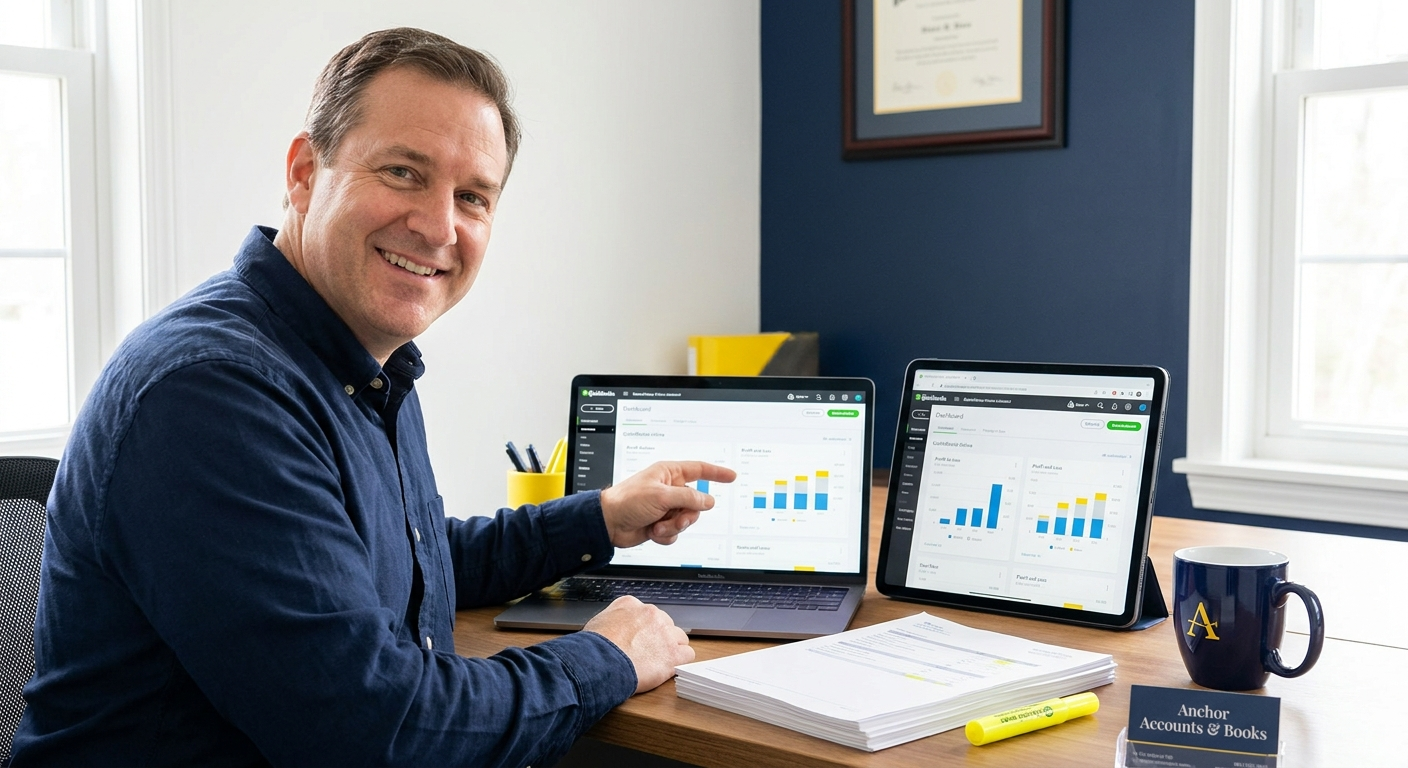
If someone has told you to ‘get QuickBooks’ and you are not sure what that actually means for your business, you are not alone. This guide explains what QuickBooks accounting does, which plan suits your situation, and how to avoid the mistakes that cause problems at tax time.
Why QuickBooks accounting matters for your business right now
QuickBooks is one of the few accounting platforms confirmed as HMRC-compliant for UK small businesses in 2026. It supports Making Tax Digital for VAT and is built around UK tax rules and reporting requirements. That matters because using non-compliant software can mean your records are rejected by HMRC.
From 6 April 2026, some sole traders and landlords must use compatible software for Making Tax Digital for Income Tax. Compatible software must create and store digital records, send quarterly updates and submit tax returns to HMRC. QuickBooks meets all of those requirements, which is why a growing number of my clients have moved onto it.
From 6 April 2026, sole traders and landlords with qualifying income must keep digital records and submit quarterly updates to HMRC under Making Tax Digital for Income Tax. QuickBooks is on the official HMRC list of compatible software. If you are still using spreadsheets or paper records, you may already be outside the rules.
Where most people go wrong with QuickBooks
The majority of problems I see from new QuickBooks users come down to two things: choosing the wrong plan for their business type, and setting up the chart of accounts without understanding what the categories mean for their tax return. Both are easy to fix, but both cause real headaches if left uncorrected.
Picking the wrong QuickBooks plan
QuickBooks Online pricing in 2026 ranges from £10 to £90 per month plus VAT, covering plans from Sole Trader through to Advanced. The Sole Trader plan at £10 per month covers self-assessment and simplified expenses, but it does not include VAT returns or multi-user access. If you are VAT-registered or have a limited company, you will need at least the Essentials plan, and choosing the cheaper tier means missing the tools you actually need.
Leaving bank reconciliation until year-end
QuickBooks includes automated bank feeds and transaction categorisation, which means your bank transactions can be matched to invoices in near real time. Ignoring these feeds for months and then trying to reconcile everything in January is the single biggest cause of errors on self-assessment returns. A backlog of unmatched transactions does not sort itself out, and an accountant will charge more to untangle it.
“I see the same problem repeatedly with new QuickBooks users. The software is set up, the bank feed is connected, and then nothing gets reviewed for six months. By the time we open it together, there are hundreds of uncategorised transactions and the VAT returns are wrong. Setting it up takes an afternoon. Keeping it tidy takes twenty minutes a week. Those two things together are what make it actually useful at tax time.”
How to get QuickBooks working for your business (step by step)
Getting QuickBooks set up correctly from the start takes less time than fixing a year of incorrect data. The steps below apply whether you are starting fresh or switching from spreadsheets.
- Choose the right plan for your legal structure. Sole traders who are not VAT-registered can start with the Sole Trader plan at £10 per month. VAT-registered businesses or limited companies need Simple Start or Essentials as a minimum. If you need payroll, that is a separate add-on at £8 per month plus £2 per employee, supporting Real Time Information submissions to HMRC.
- Connect your business bank account and set up the chart of accounts. QuickBooks will import your transactions automatically once the bank feed is live. The chart of accounts controls how every transaction is categorised for your tax return, so getting the categories right at this stage saves significant time at year-end. If you are unsure how to map your income and expense categories to HMRC boxes, this is the point at which a QuickBooks ProAdvisor adds real value.
- Set a weekly bookkeeping habit and use the digital receipt capture feature. QuickBooks allows you to photograph receipts and attach them to transactions, which satisfies HMRC’s requirement to keep digital records under Making Tax Digital. Reviewing and matching transactions once a week takes around 20 minutes for most sole traders and means your records are always current.
If you are VAT-registered, you will also need to connect QuickBooks to HMRC’s MTD for VAT portal so that submissions go directly from the software. This is a one-time authorisation inside QuickBooks settings. Once it is done, your VAT return figures pull through automatically from your categorised transactions.
QuickBooks costs and what to expect
The software subscription is only part of the cost picture. Most small business owners who set up QuickBooks without support spend significant time correcting categorisation errors or find they have been on the wrong plan for months. The table below sets out the two realistic approaches for a sole trader or small limited company.
| Approach | What you get | What to watch for |
|---|---|---|
| Self-managed QuickBooks | Low monthly cost (from £10 per month plus VAT). Full control over your own data. | Risk of incorrect categorisation, wrong plan choice, missed MTD deadlines, and errors on your tax return that HMRC may query. |
| QuickBooks managed by a ProAdvisor accountant | Setup done correctly from day one. Transactions reviewed regularly. Tax return prepared directly from accurate QuickBooks data. | Monthly or annual accountancy fee on top of the software cost. Worth comparing against the cost of errors or a tax investigation. |
How to get started with QuickBooks today
The fastest way to get QuickBooks working correctly is to start with a clean setup and a clear idea of which plan you need. If you already have months of unreconciled transactions, do not ignore them. They will affect your VAT return figures and your tax return if left uncategorised.
- Confirm your legal structure and VAT status before choosing a plan. Sole Trader is only suitable if you are not VAT-registered and do not need multi-user access. VAT-registered businesses need Simple Start or Essentials as a minimum.
- Book a free call with a QuickBooks ProAdvisor before you subscribe. A 20-minute conversation will confirm the right plan, identify whether you need payroll added on, and flag any MTD for Income Tax obligations that apply to your income level from April 2026.
Ready to sort your QuickBooks accounting?
I handle QuickBooks setup, monthly bookkeeping, VAT returns and your tax return personally, on a fixed fee with no tie-in. Book a free 20-minute call and I will tell you exactly what you need and what it will cost.
Is your QuickBooks setup ready for Making Tax Digital?
Answer five quick questions and get a clear next step based on your business type and MTD obligations.

AAT qualified accountant based in Uttoxeter. Personal, one-to-one accounting for small businesses and sole traders across the UK.