A Practical Guide to Making Tax Digital Accounting
“Would 100% recommend, is always polite, professional and helpful! He is always available to answer any questions I have and his knowledge has been a saving grace many times!”
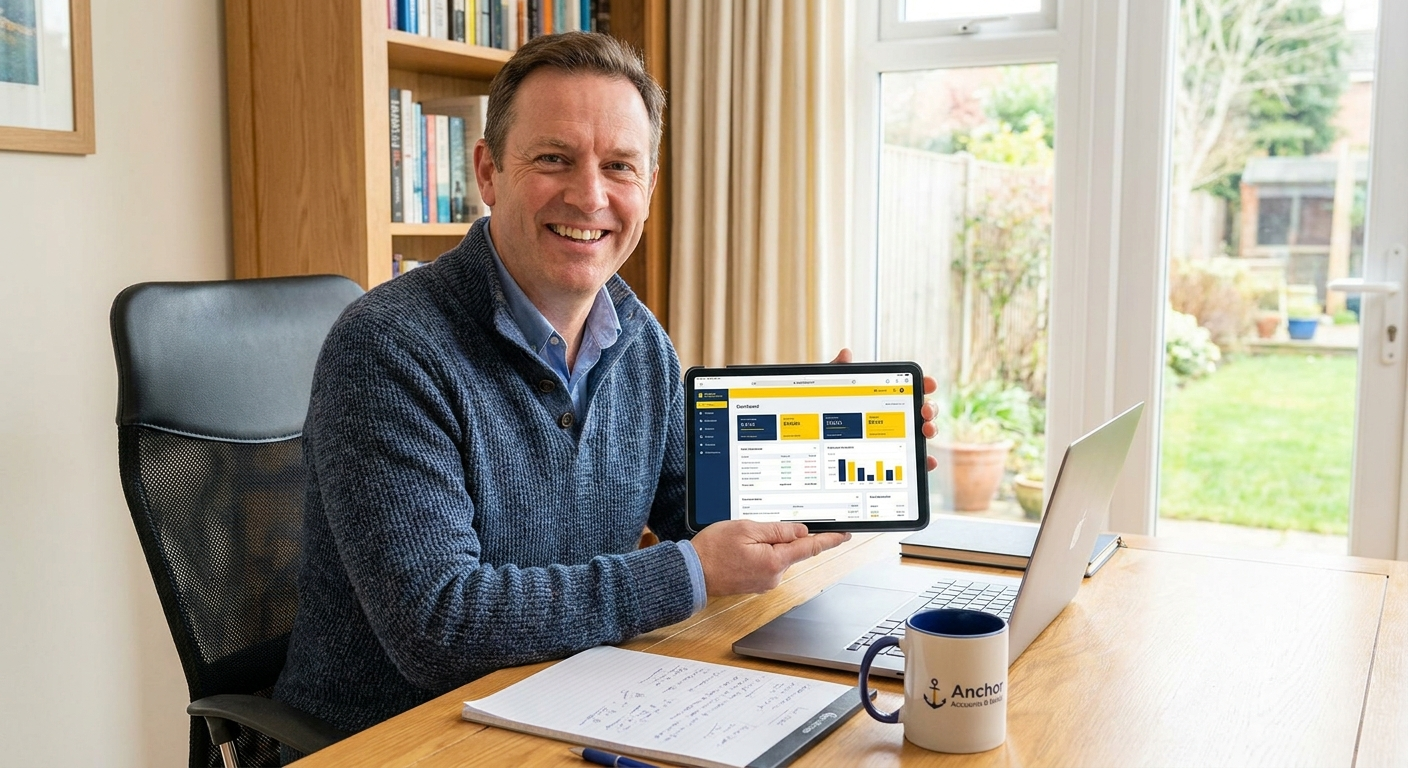
Making Tax Digital is a mandatory HMRC programme that changes how businesses keep records and report tax, and the rules are already in force for VAT-registered businesses with income tax requirements following from April 2026. This guide explains exactly what applies to you, which software meets the rules, and what steps to take so you stay compliant without disrupting how you work.
Why Making Tax Digital matters for your business
Making Tax Digital is not optional. MTD for Income Tax moved into live service on 6 April 2026, meaning sole traders and landlords with qualifying income are now legally required to keep digital records and submit quarterly updates to HMRC. If you are VAT-registered, you should already be signed up for MTD for VAT, as all VAT-registered businesses are required to use MTD-compatible software for their VAT returns.
Despite the deadlines being firmly in place, awareness of MTD for income tax stood at only 46.4% among businesses in 2025. That means more than half of affected business owners had not fully registered what was coming. If you are reading this now, you are ahead of a significant portion of the people this law affects.
MTD for Income Tax applies to sole traders and landlords with gross income over £50,000 from April 2026, with the threshold dropping to £30,000 from April 2027. The fourth quarterly update for the first live tax year must be submitted by 7 May 2026. Missing a quarterly submission can trigger a points-based penalty.
Where most people go wrong with Making Tax Digital
The two most common problems are assuming a spreadsheet counts as digital record-keeping when it does not, and assuming the old HMRC online portal is still acceptable for VAT submissions when it has not been for some time. Both leave businesses exposed to penalties without realising it.
Using incompatible software
Software incompatibility is one of the most frequently cited frustrations among UK small businesses dealing with MTD. Not every accounting tool on the market is HMRC-approved for MTD submissions. QuickBooks, FreeAgent, Xero, and Sage are all MTD-compatible, but older desktop versions or unrecognised apps may not be. Before assuming your current setup works, check it against HMRC’s approved software list.
Underestimating the admin shift
Business owners and accountants alike report that MTD brings more administrative change than they initially expected. The shift to quarterly reporting means your bookkeeping needs to be current throughout the year, not just at year-end. If your records are six months behind when a quarterly update is due, you will either file inaccurate figures or scramble to catch up in days.
“Most of the businesses I help with MTD are not behind because they ignored it. They are behind because the guidance is genuinely confusing and nobody told them in plain terms what they actually needed to do. That is a fixable problem.”
What to do, step by step
The process is straightforward once you know where you stand. The steps below apply whether you are setting up MTD for VAT for the first time or getting ready for MTD for Income Tax.
- Step 1 – Confirm whether you are in scope. For VAT, if your business is VAT-registered, you are already required to use MTD-compatible software. For Income Tax, check whether your gross self-employment or property income exceeds £50,000 in the 2025/26 tax year. If it does, MTD for Income Tax applies to you from April 2026.
- Step 2 – Choose and set up MTD-compatible software. QuickBooks, FreeAgent, Xero, and Sage are all HMRC-approved and capable of submitting directly. The choice depends on how you currently work and what your accountant can support. If you have an accountant, discuss the switch with them before changing anything so your records carry over correctly.
- Step 3 – Connect your software to HMRC and begin keeping digital records. For VAT this means authorising the software to submit on your behalf. For Income Tax it means signing up through your agent or directly via your Government Gateway account, then submitting four quarterly updates and a final declaration each year instead of a single annual return.
Many businesses find that once the software is running and connected, the quarterly submissions themselves take very little time. The real work is getting your bookkeeping current so there is nothing to catch up on at each deadline.
Costs and what to expect
MTD-compatible software typically costs between £12 and £40 per month depending on the product and plan. Some accountants include software in their fee. The bigger cost consideration is time: if you are managing your own bookkeeping, staying current throughout the year requires consistent input rather than a once-a-year effort. Many business owners find that the quarterly rhythm either makes them more organised or highlights that they need outside help sooner than they thought.
| Option | Pros | Cons |
|---|---|---|
| Managing MTD yourself | Lower ongoing cost if bookkeeping is already up to date | Time-consuming, higher risk of errors and missed deadlines |
| Using a qualified accountant | Accurate submissions, deadlines tracked, software set up correctly from the start | Monthly or fixed annual fee depending on scope |
How to get started today
You do not need to overhaul everything at once. The priority is confirming whether you are in scope, checking that your current software is on HMRC’s approved list, and making sure your bookkeeping is current enough to support a quarterly submission. Those three things cover the ground that matters most right now.
- Log into your Government Gateway account and check whether you have already been automatically enrolled for MTD for VAT. If you are VAT-registered and this has not been done, it needs to be corrected immediately.
- Check your accounting software against the HMRC approved software list. If your current tool is not listed, contact your accountant before switching anything so records are not lost in the move.
Ready to sort your Making Tax Digital obligations?
I handle MTD software setup, quarterly submissions, and VAT returns personally for every client, on a fixed fee with no tie-in. Book a free 20-minute call and leave knowing exactly where you stand.
Is your business actually MTD compliant right now?
Answer five quick questions about your current setup and get a clear next step based on your situation.

AAT qualified accountant based in Uttoxeter. Personal, one-to-one accounting for small businesses and sole traders across the UK.