A Plain-English Guide to Cloud Accounting for Small Businesses
“Would 100% recommend, is always polite, professional and helpful! He is always available to answer any questions I have and his knowledge has been a saving grace many times!”
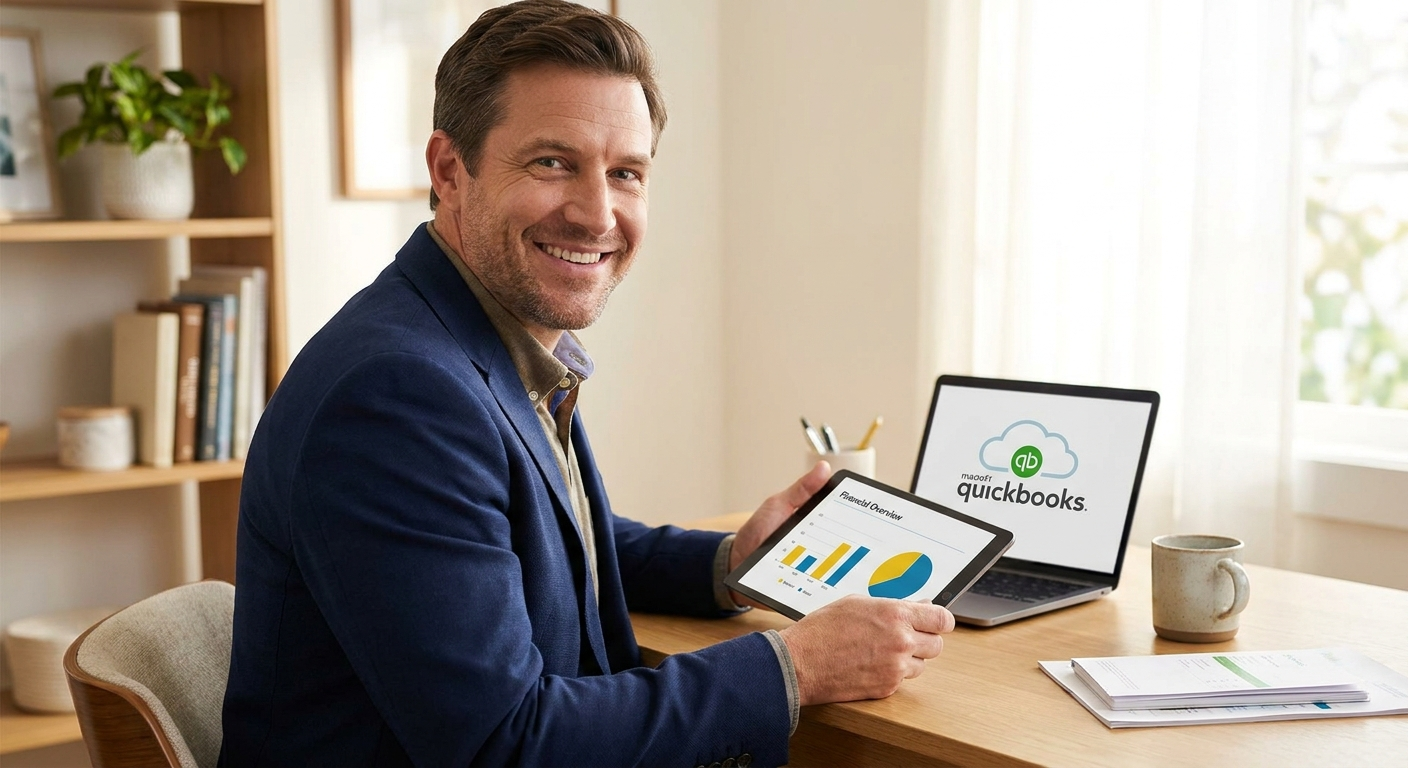
If your accounts still live in a spreadsheet or a folder of receipts, you are not alone — but from April 2026, HMRC’s Making Tax Digital rules mean that changes are no longer optional for most sole traders. This guide explains what cloud accounting actually is, which software suits small UK businesses, and how to get set up without making costly mistakes.
Why cloud accounting matters for your business right now
Cloud accounting means your financial records are stored online rather than on a single computer or in a filing cabinet. You log in through a browser or an app, your data is backed up automatically, and your accountant can see the same figures you do — without you emailing a spreadsheet at midnight. According to FSB research, 43% of UK small businesses already use cloud computing in some form, which means the majority of your competitors have already made the move.
The practical deadline is now fixed. From 6 April 2026, HMRC requires sole traders and landlords to keep digital records and submit quarterly updates under Making Tax Digital for Income Tax (MTD for IT). Compatible cloud accounting software handles both tasks. If you are still on spreadsheets or desktop software, you will need to act before that deadline passes.
From 6 April 2026, sole traders and landlords with qualifying income must use HMRC-compatible software to keep digital records and send quarterly updates. Cloud accounting platforms such as QuickBooks, FreeAgent and Xero are all on HMRC’s approved list. Using incompatible software after that date risks penalties for non-compliance.
Where most people go wrong with cloud accounting
The software itself is rarely the problem. The mistakes happen before you even log in — choosing the wrong platform, migrating incomplete data, or setting up the wrong VAT scheme inside the system. These errors create months of messy records that your accountant then has to unpick at year-end, usually at extra cost.
Picking software based on price alone
The cheapest plan often lacks payroll, VAT submissions or the ability to connect to your bank account automatically. A platform that cannot do what your business actually needs will cost you more time than it saves. QuickBooks, FreeAgent and Xero each suit different business types — the right choice depends on whether you run payroll, whether you are VAT-registered, and how complex your invoicing is.
Treating cloud software as a filing system rather than a working tool
A common pattern is to set up the software, connect the bank feed, and then leave transactions uncategorised for six months. The bank feed only pulls in raw data — someone still needs to review it, categorise expenses correctly and reconcile the figures regularly. Monthly or quarterly bookkeeping reviews are what turn raw data into accurate records your accountant can actually use.
“Most of the clients who come to me have been meaning to sort their bookkeeping for months. Once the software is set up correctly and connected to their bank, the weekly time commitment drops to almost nothing. The hard part is the setup — getting the VAT scheme right, the opening balances correct, and the categories consistent from day one.”
How to set up cloud accounting step by step
The setup process is shorter than most people expect. The steps below assume you are starting from scratch or moving from a spreadsheet. If you are migrating from desktop software like Sage or QuickBooks Desktop, the process involves an extra data export step, but the principles are the same.
- Choose your platform. QuickBooks Online suits most sole traders and small limited companies — it handles self assessment, VAT, payroll and MTD in one place, and I hold QuickBooks ProAdvisor status so I can help you set it up correctly. FreeAgent is strong for contractors and freelancers, and I am a registered FreeAgent partner. Xero and Sage are also options for businesses with more complex needs. Pick based on your actual requirements, not the free trial offer.
- Connect your bank feed. Every major UK bank now supports open banking feeds directly into cloud accounting platforms. Connecting your business bank account means transactions import automatically each day. This removes the need to manually enter income and expenses, which is where most data-entry errors creep in.
- Set up your chart of accounts and VAT scheme. This is the step most people skip, and it causes the most problems. Your expense categories need to match how HMRC expects them reported, and your VAT scheme (standard, flat rate, cash accounting) must be configured correctly from day one. Getting this wrong at setup means recorrecting months of transactions later.
Once those three steps are done, the day-to-day work becomes review and categorisation rather than data entry. Most clients I work with spend less than 30 minutes a week on their bookkeeping once the system is set up properly. The quarterly MTD submissions then go directly from the software to HMRC, rather than requiring a separate manual process.
What cloud accounting actually costs
Software subscriptions for small businesses typically run between £12 and £40 per month depending on the platform and plan. That figure covers the software itself, not the time it takes to keep records up to date. If you do your own bookkeeping, you save on that cost but spend time instead. If you use an accountant for monthly or quarterly bookkeeping, that work is included in a fixed monthly fee — which means no surprise invoices when you ask a question or need a VAT return filed. Security on reputable platforms is strong, using AES-256 encryption and two-factor authentication as standard, which is comparable to online banking. The biggest risk is not the platform itself but human error — reused passwords and clicking phishing links are the most common causes of data breaches.
| Option | What you get | What to watch for |
|---|---|---|
| DIY cloud accounting | Low ongoing cost, full visibility of your own figures | Risk of miscategorised expenses, incorrect VAT setup, missed MTD deadlines |
| Cloud accounting with an accountant | Accurate records, correct VAT and tax treatment, deadlines tracked for you | Monthly fee, but typically lower than the cost of fixing errors at year-end |
How to get started today
You do not need to have everything in order before you begin. Most clients start by choosing a platform and connecting their bank feed. From there, the records build themselves day by day, and we can correct the categorisation as we go. The important thing is not to wait until January.
- Check whether you are within MTD for Income Tax scope from April 2026 using the GOV.UK guidance, and confirm which software is on HMRC’s approved list before subscribing.
- Book a free 20-minute call with me at anchoraccountsandbooks.co.uk/contact to talk through which platform suits your business and what a fixed-fee bookkeeping arrangement would cover.
Ready to sort your cloud accounting?
I set up and manage cloud accounting on QuickBooks, FreeAgent, Xero and Sage for small businesses across the UK — fixed monthly fee, no tie-in, and every question answered by me directly. Book a free 20-minute call and we can work out which platform suits you and what it would cost.
Is your business ready for Making Tax Digital?
Answer five quick questions and get a clear picture of what you need to do before the April 2026 deadline.

AAT qualified accountant based in Uttoxeter. Personal, one-to-one accounting for small businesses and sole traders across the UK.