A Plain-English Guide to FreeAgent Accounting
“Would 100% recommend, is always polite, professional and helpful! He is always available to answer any questions I have and his knowledge has been a saving grace many times!”
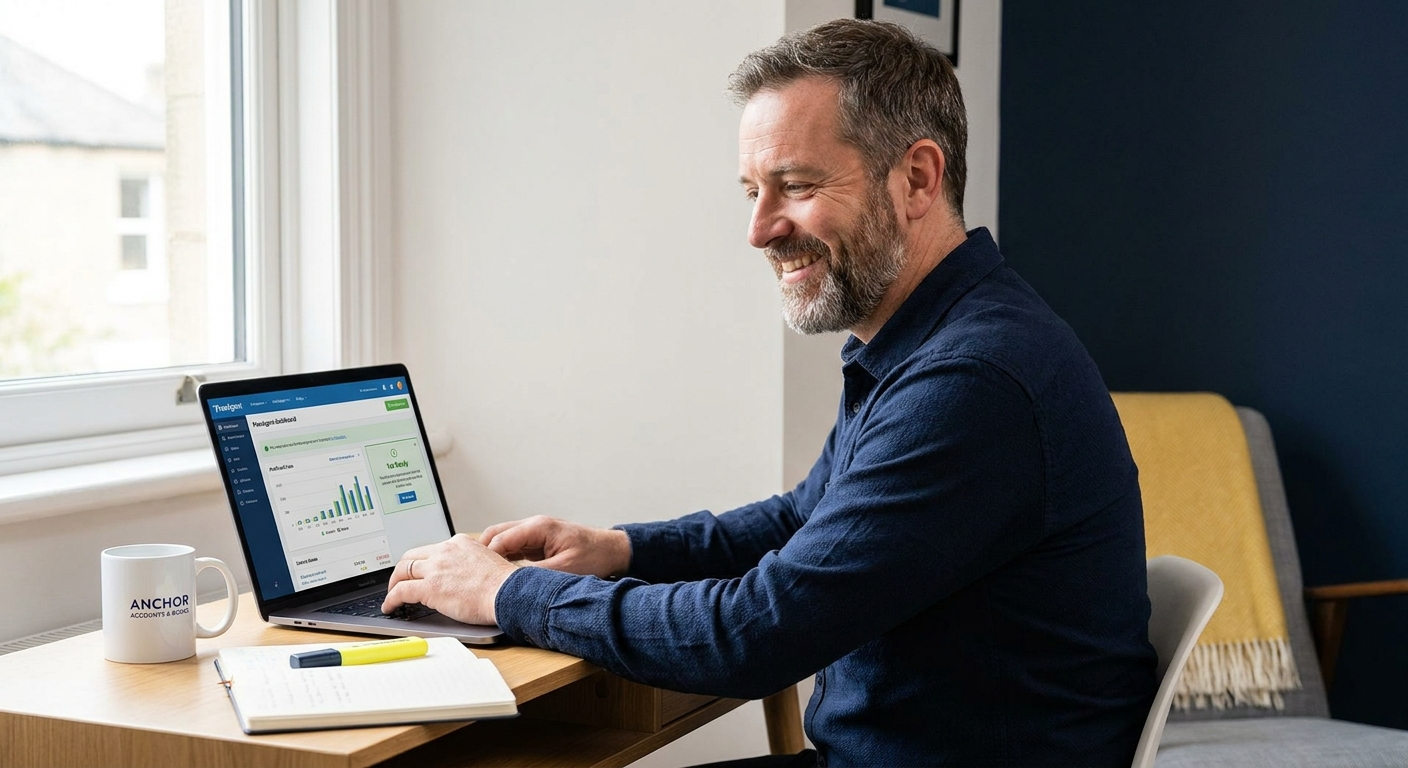
FreeAgent is accounting software built specifically for UK freelancers, contractors and small business owners who need to stay on top of invoices, expenses and tax without learning accountancy. This guide covers what it does, what it actually costs, where it has limits, and how working with a FreeAgent partner accountant changes the picture.
Why FreeAgent matters for sole traders and contractors right now
From 6 April 2026, HMRC requires compatible software for Making Tax Digital for Income Tax. That means sole traders and landlords above the income threshold must use software that can create digital records and send quarterly updates directly to HMRC. FreeAgent is on the approved list.
This is not optional admin. Quarterly updates replace the annual self assessment cycle for those caught by the rules. If your current system is a spreadsheet or a folder of PDFs, you need to act before the 2026-27 tax year begins.
FreeAgent supports MTD for Income Tax for sole traders and unincorporated landlords from the 2026-27 tax year onward. According to GOV.UK, compatible software must store digital records, correct errors and submit quarterly updates to HMRC. FreeAgent does all three.
Where most people go wrong with FreeAgent
Setting up FreeAgent and actually using it correctly are two different things. A lot of sole traders sign up, connect their bank feed and then let transactions pile up unreconciled for months. That approach causes more stress than a spreadsheet, not less.
Assuming FreeAgent runs itself
FreeAgent automates a lot, but it still needs someone to categorise transactions, match receipts and check that VAT coding is correct. If those jobs are ignored, the reports become unreliable and any tax calculation the software produces will be wrong. The software is only as accurate as the data going into it.
Not understanding what the plan includes
FreeAgent’s sole trader plan costs £19 per month (or £190 per year, both before VAT) and includes up to 10 Smart Capture receipt files per month. If you need unlimited receipt capture, that is a £5 per month add-on. Some NatWest, Royal Bank of Scotland, Ulster Bank or Mettle business account holders get FreeAgent free through their bank. Check before you pay.
“I set FreeAgent up for clients regularly. The software works well, but the people who get the most from it are the ones who have someone checking the detail monthly. A missed VAT code or a wrong expense category costs far more to fix at year-end than it does to catch in the same week it happens.”
How to set up and use FreeAgent properly
Getting FreeAgent working for your business takes a few deliberate steps. Rushing the initial setup is the single biggest reason people find the software confusing within the first month.
- Step 1 – Choose the right plan and connect your business bank account. FreeAgent offers separate plans for sole traders and limited companies. Connect your bank feed from day one so transactions pull in automatically rather than needing manual entry.
- Step 2 – Set up your tax profile accurately. Tell FreeAgent whether you are VAT registered, which VAT scheme you use, and whether you are subject to CIS. From April 2026, FreeAgent supports CIS for contractors, which is a significant update for anyone working under the Construction Industry Scheme.
- Step 3 – Reconcile your bank feed regularly, at least once a week. Create your invoices inside FreeAgent so the software can track what is paid and what is outstanding. If you submit VAT returns, use FreeAgent’s MTD-compatible VAT filing to submit directly to HMRC without needing a separate bridging tool.
If you have historical data to bring across, talk to an accountant before you import anything. Getting the opening balances wrong causes problems that can take hours to unpick later.
What FreeAgent costs and what to weigh up
The software itself starts at £19 per month for sole traders (before VAT), or £190 per year. That covers invoicing, expense tracking, bank reconciliation, VAT filing and MTD for Income Tax. What it does not cover is the time you spend managing it, interpreting the reports or knowing whether the numbers are correct. According to FSB data, 43% of small businesses now use cloud computing, which means adoption is normalising but many owners are still learning as they go.
| Option | What you get | What to watch |
|---|---|---|
| FreeAgent solo, no accountant | Low monthly cost, direct bank feed, MTD-ready | Full responsibility for accuracy, easy to miss VAT or CIS errors |
| FreeAgent with a FreeAgent partner accountant | Accountant reviews your books, catches errors, files returns on your behalf | Monthly accountancy fee on top of software cost |
How to get started today
If you are moving to FreeAgent from spreadsheets or another platform, do not wait until your next deadline is close. The initial setup takes time and getting opening balances wrong creates ongoing reconciliation problems. A short conversation with an accountant before you start saves significant time later.
- Check whether your business bank account (NatWest, RBS, Ulster Bank or Mettle) gives you free FreeAgent access before purchasing a plan.
- Book a free 20-minute call with Luke at anchoraccountsandbooks.co.uk/contact to confirm which FreeAgent plan fits your structure and whether you need VAT, CIS or MTD for Income Tax configured.
Ready to sort your FreeAgent setup?
I am a FreeAgent partner and I handle setup, monthly bookkeeping, VAT filing and self assessment or limited company accounts on a fixed monthly fee with no tie-in. Book a free 20-minute call and we can talk through what you actually need.
Is FreeAgent the right fit for your business?
Answer five quick questions and get a personalised recommendation on whether FreeAgent suits your setup and what to do next.

AAT qualified accountant based in Uttoxeter. Personal, one-to-one accounting for small businesses and sole traders across the UK.