What is online accounting and do you actually need it?
“Luke is an extremely professional and approachable guy. His knowledge in the field of accounting is second to none.”
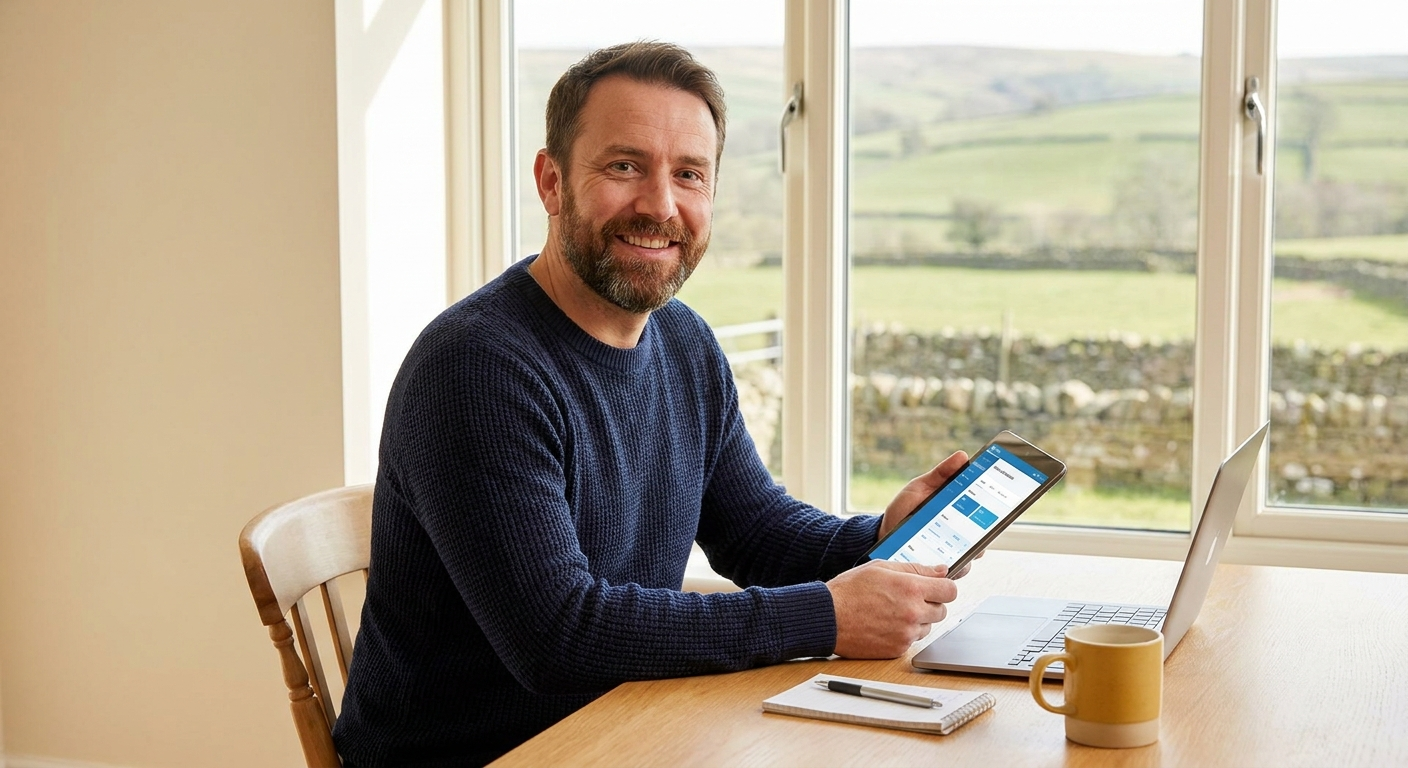
Online accounting is what happens when your invoices, bank transactions, VAT submissions and tax records all live in one place online rather than in a drawer, a spreadsheet or a folder you haven’t opened since last January. It sounds more complicated than it is, and most people find it a relief once they actually get set up.
What online accounting actually means in plain English
Traditional bookkeeping meant filing paper receipts, entering figures into a spreadsheet and hoping nothing got lost before your accountant needed it. Online accounting replaces all of that with software that runs in your browser or on your phone, stores everything securely in the cloud and keeps your records up to date automatically.
The biggest practical difference is the bank feed. Most online accounting software connects directly to your business bank account and pulls in your transactions automatically. You categorise them, your records update and your accountant can see everything in real time without waiting for you to send over a file at year-end.
You do not need to understand debits and credits to use online accounting software. Modern tools are built for business owners, not accountants. The learning curve is much gentler than most people expect.
How online accounting works day to day
Once your software is connected to your bank, the day-to-day is fairly straightforward. Transactions come in, you confirm what they are and the software builds your profit and loss, tracks what you owe in tax and flags anything that needs attention. You’re not doing accounts. You’re just answering simple questions about your own spending.
Most platforms also let you send invoices directly from the software, upload receipts by photo on your phone and run payroll if you have staff. Tools like QuickBooks, FreeAgent and Xero all do this, and they all integrate with each other and with HMRC’s systems. If you want to see how I approach setting clients up on these platforms, take a look at my online accounting service page for an overview of what’s included.
Why online accounting has become urgent in 2026
Making Tax Digital for Income Tax is now live. From 6 April 2026, sole traders and landlords with income over £50,000 are required to use compatible software and file quarterly updates directly with HMRC, according to GOV.UK guidance on Making Tax Digital for Income Tax. That means spreadsheets are no longer an option for a significant number of self-employed people.
Despite this, as of April 2026 fewer than 30% of eligible users had registered for the scheme, with over 219,000 sign-ups recorded against a much larger eligible population, according to reporting by The Register. If you are in that majority who haven’t acted yet, the quarterly update penalties are not being applied in the first year, but penalties for late tax payments and late returns still apply. Getting set up now avoids a last-minute scramble.
What to look for when choosing online accounting software
The software you pick needs to support quarterly updates and digital Self Assessment submissions to be compliant with Making Tax Digital requirements, as confirmed by the comparison guidance at rossmartin.co.uk updated in April 2026. Options include QuickBooks Online, Xero, FreeAgent and various bridging tools, all of which appear on HMRC’s compatibility questionnaire.
My honest advice is to not pick software in isolation. The platform that works best depends on how your business is structured, how comfortable you are with tech and whether you have an accountant who can support you in it. I’m a QuickBooks ProAdvisor and FreeAgent partner, and I’m also proficient in Xero and Sage, so I can work in whatever suits you rather than pushing you towards a particular tool.
If you’ve read this and you’re still not quite sure what applies to your situation, that’s completely normal. Most of my clients felt the same before we had a first conversation. Drop me a message and I’ll give you a straight answer about where you stand and what, if anything, needs to happen next.
Ready to go further?
Whether you want to read the full setup guide or just talk through your situation, both options are below. No pressure and no jargon.
Not sure if your current setup is MTD-ready?
Answer five quick questions and find out exactly what you need to do before HMRC comes knocking.

AAT qualified accountant based in Uttoxeter. Personal, one-to-one accounting for small businesses and sole traders across the UK.