A Practical Guide to Online Accounting for Sole Traders
“Would 100% recommend, is always polite, professional and helpful! He is always available to answer any questions I have and his knowledge has been a saving grace many times!”
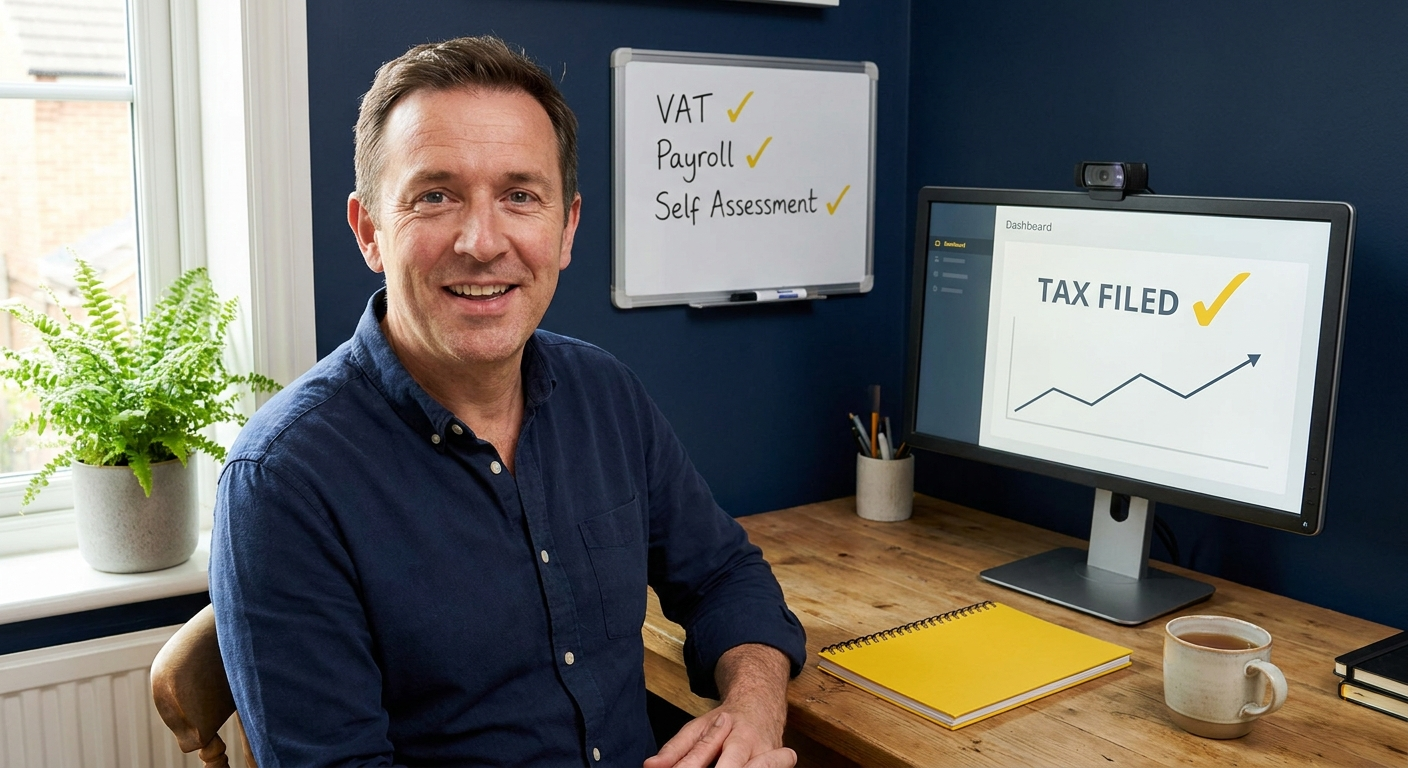
Running your accounts on a spreadsheet works until it stops working, and by then HMRC deadlines are close and the records are a mess. This guide explains what online accounting actually involves for sole traders, which software to consider, how Making Tax Digital changes things from April 2026, and when it makes sense to hand the whole thing to a qualified accountant.
Why online accounting matters for sole traders right now
Online accounting software does three things a spreadsheet cannot: it connects to your bank automatically, it keeps a digital record that satisfies HMRC, and it calculates your tax position in real time. For sole traders, that last point matters most because your tax bill is not deducted at source. You carry the liability all year and find out what you owe only when you file.
The urgency has increased sharply in 2026. HMRC has confirmed that Making Tax Digital for Income Tax (MTD for ITSA) is mandatory from 6 April 2026 for sole traders with income over £50,000. This means compatible software is no longer optional for that group. It must create digital income records, send quarterly updates to HMRC, and submit the final tax return. Spreadsheets do not qualify.
As of early 2026, only 25% of sole traders had signed up for MTD, according to QuickBooks UK. If your self-employment income exceeds £50,000, you are legally required to use MTD-compatible software from 6 April 2026. The threshold drops to £30,000 in April 2027 and £20,000 in April 2028, so most sole traders will be affected within two years regardless of where they sit today.
Where most sole traders go wrong with their accounts
The majority of errors I see from new clients are not complex. They are the predictable result of doing accounts manually without a system, often for the first time, under time pressure. Bookkeeping Labs identifies the three most common mistakes as mixing personal and business expenses, missing allowable expenses, and submitting late or inaccurate records. All three are avoidable with the right setup.
Mixing personal and business money
Running personal and business transactions through the same bank account makes it almost impossible to produce accurate records quickly. HMRC expects you to know which expenses are business-related and which are not, and it does not accept confusion as an excuse. A separate business bank account paired with accounting software that imports transactions automatically removes this problem almost entirely.
Missing allowable expenses
As a sole trader you can claim a wide range of allowable expenses: mileage, a proportion of home office costs, equipment, professional subscriptions and more. Many people miss these because they are not recording them consistently throughout the year. By the time they sit down to file, receipts are lost and memory has faded. Keeping records updated monthly, rather than scrambling in January, is the single biggest habit change that reduces your tax bill.
“Most clients come to me having done their own accounts for a year or two. The software was fine. What they missed were the expenses they did not know they could claim and the planning that happens before the tax year ends, not after.”
Setting up online accounting as a sole trader: step by step
The process is straightforward when broken into stages. The goal is to move from reactive record-keeping to a system that updates automatically throughout the year, so your tax position is always visible and your Self Assessment filing requires minimal effort.
- Step 1: Open a dedicated business bank account. This is the foundation. Once your business income and expenses run through a separate account, accounting software can import and categorise transactions automatically. Most major UK banks offer free business accounts for sole traders.
- Step 2: Choose MTD-compatible accounting software. QuickBooks Online was rated the top MTD-compliant platform for UK sole traders in a 2026 Consumer365 review, and Small Business UK lists Xero, Sage, FreeAgent, FreshBooks and Ember as strong alternatives. I work with QuickBooks, FreeAgent, Xero and Sage, so I can set up whichever suits your situation and walk you through it.
- Step 3: Connect your bank, categorise past transactions, and set up invoicing. Most platforms let you import up to 90 days of bank history on signup. Work through any uncategorised transactions, set recurring expense rules, and start raising invoices through the software so income is tracked automatically from day one.
Once the setup is done, the ongoing task is modest: review transactions weekly, send invoices through the platform, and photograph receipts as you go. Your Self Assessment figures are then drawn directly from the software at year-end, rather than reconstructed from memory.
Costs and what to weigh up
Accounting software typically costs between £12 and £35 per month for a sole trader plan, depending on the platform and features included. That covers the software only. If you want an accountant to manage the setup, review your records quarterly, handle your Self Assessment filing, and advise on tax planning, you pay a separate fixed monthly fee for that service. The combined cost is almost always less than the tax saved through proper expense tracking and planning, particularly once your income clears £30,000 per year.
| Option | What you get | What to watch |
|---|---|---|
| DIY with software only | Low monthly cost, full visibility of your figures | You are responsible for categorisation, allowable expenses, and filing accurately. HMRC does not accept honest mistakes as a defence. |
| Software plus an accountant | Accurate records, tax minimised, deadlines tracked, someone to call when something looks wrong | Monthly fee applies. With a fixed-fee arrangement like mine, the cost is predictable from the start. |
How to get started today
If your income is already above £50,000, you need to act before 6 April 2026 or you will be non-compliant with MTD from day one. If you are below that threshold, the right time to set up properly is before your records become difficult to reconstruct. Starting with clean data now is significantly easier than untangling 12 months of transactions in January.
- Open a free or low-cost business bank account this week if you do not already have one. Monzo Business, Starling and Tide all offer free sole trader accounts that connect directly to QuickBooks, FreeAgent and Xero.
- Book a free 20-minute call with me at /contact. I will tell you which software I would recommend for your type of work, what setup involves, and what a fixed monthly fee would look like for ongoing accounts and Self Assessment.
Ready to sort your sole trader accounts?
I offer a fixed monthly fee covering software setup, monthly bookkeeping, and Self Assessment filing for sole traders across the UK. There is no tie-in, no junior staff, and no one other than me handling your records.
Is your online accounting setup MTD-ready?
Answer five quick questions and get a clear picture of where your records stand and what to fix first.

AAT qualified accountant based in Uttoxeter. Personal, one-to-one accounting for small businesses and sole traders across the UK.